



Radle is a WordPress plugin that replaces (or compliments) the native WordPress discussion engine with a discussion engine powered by the Reddit API.
Radle is now a single free plugin on the WordPress plugin directory. The former Radle Pro has been sunset, and every feature it carried is now built into the free release: comment display controls, searching, user badges, deeper comment nesting, improved caching, and integration with Yoast SEO and Rank Math. There is no license, sponsor check, or upsell.
About
- Extend WordPress content reach to Reddit audience
- Help readers engage with content using the Reddit application
- Centralize discussion management across devices through the Reddit application
- Replace the boring and unused default WordPress commenting system
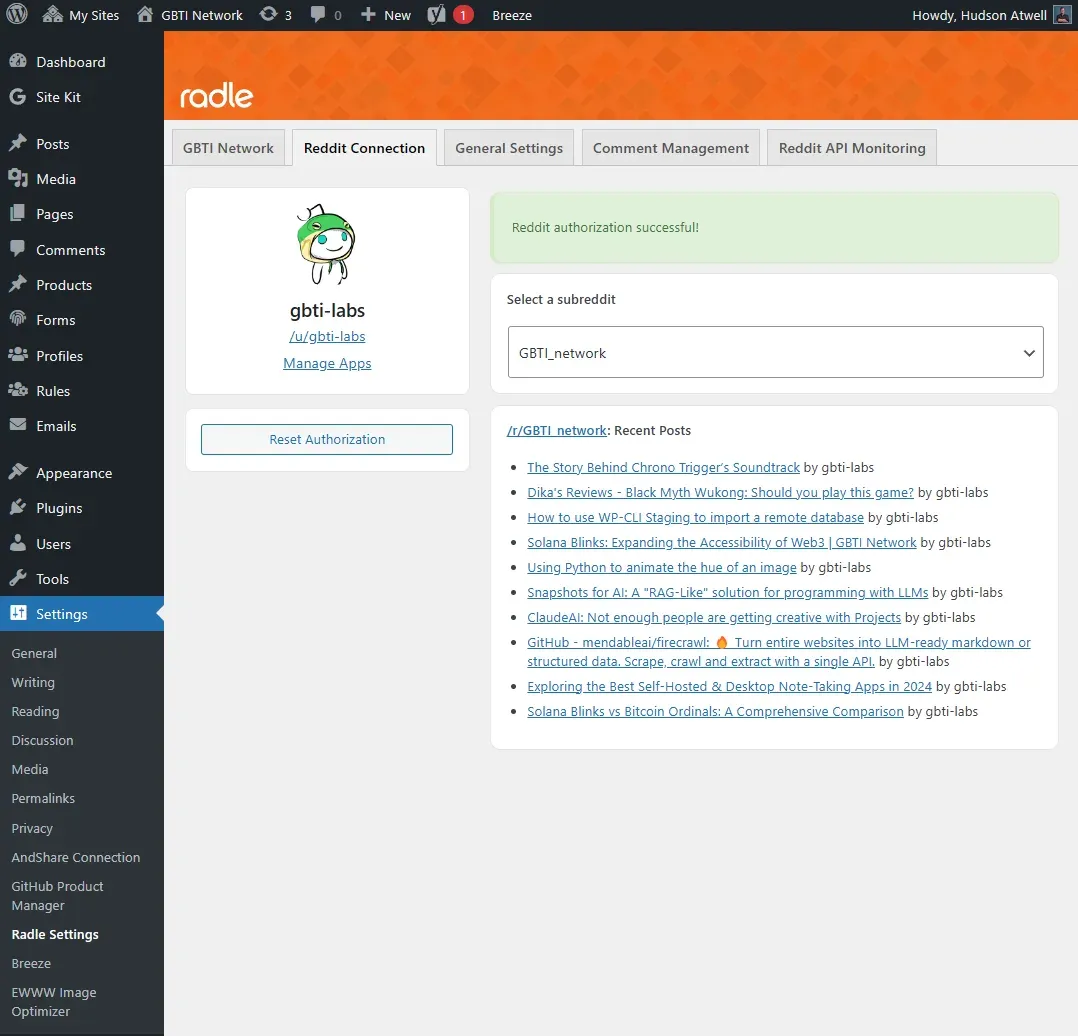
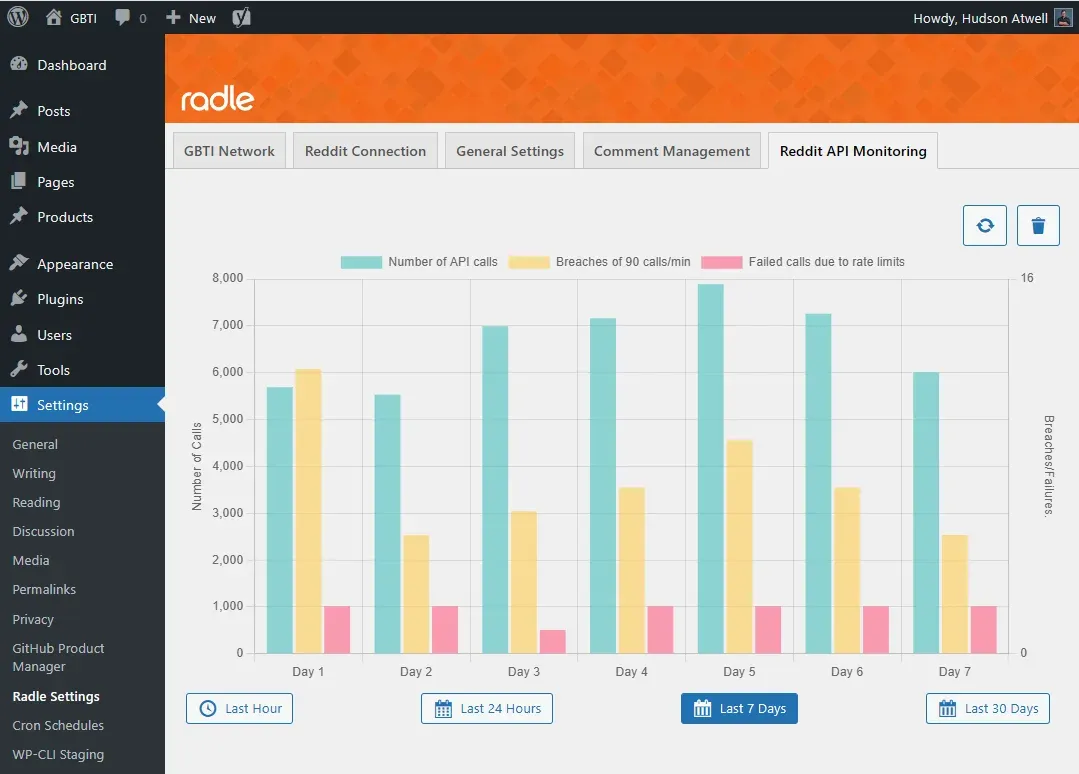
- Help tactfully leverage the Reddit API through caching and usage monitoring
Features
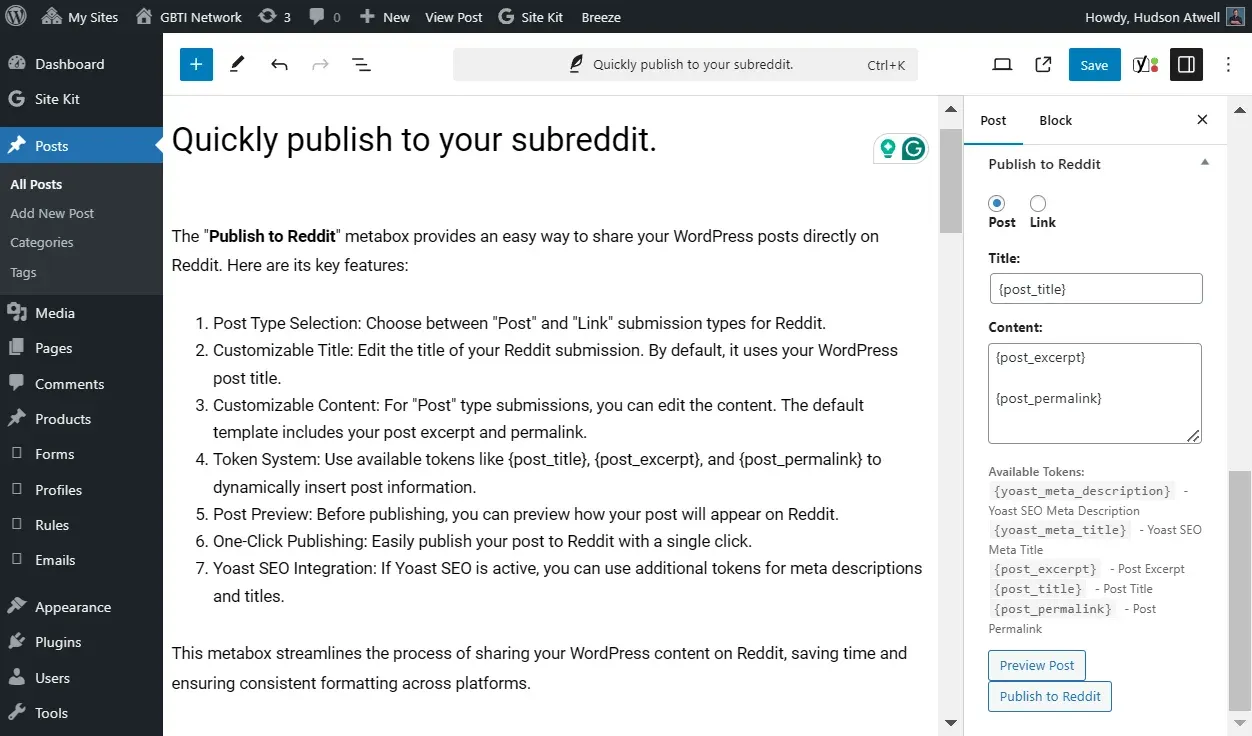
- Publish WordPress posts to specified subreddit
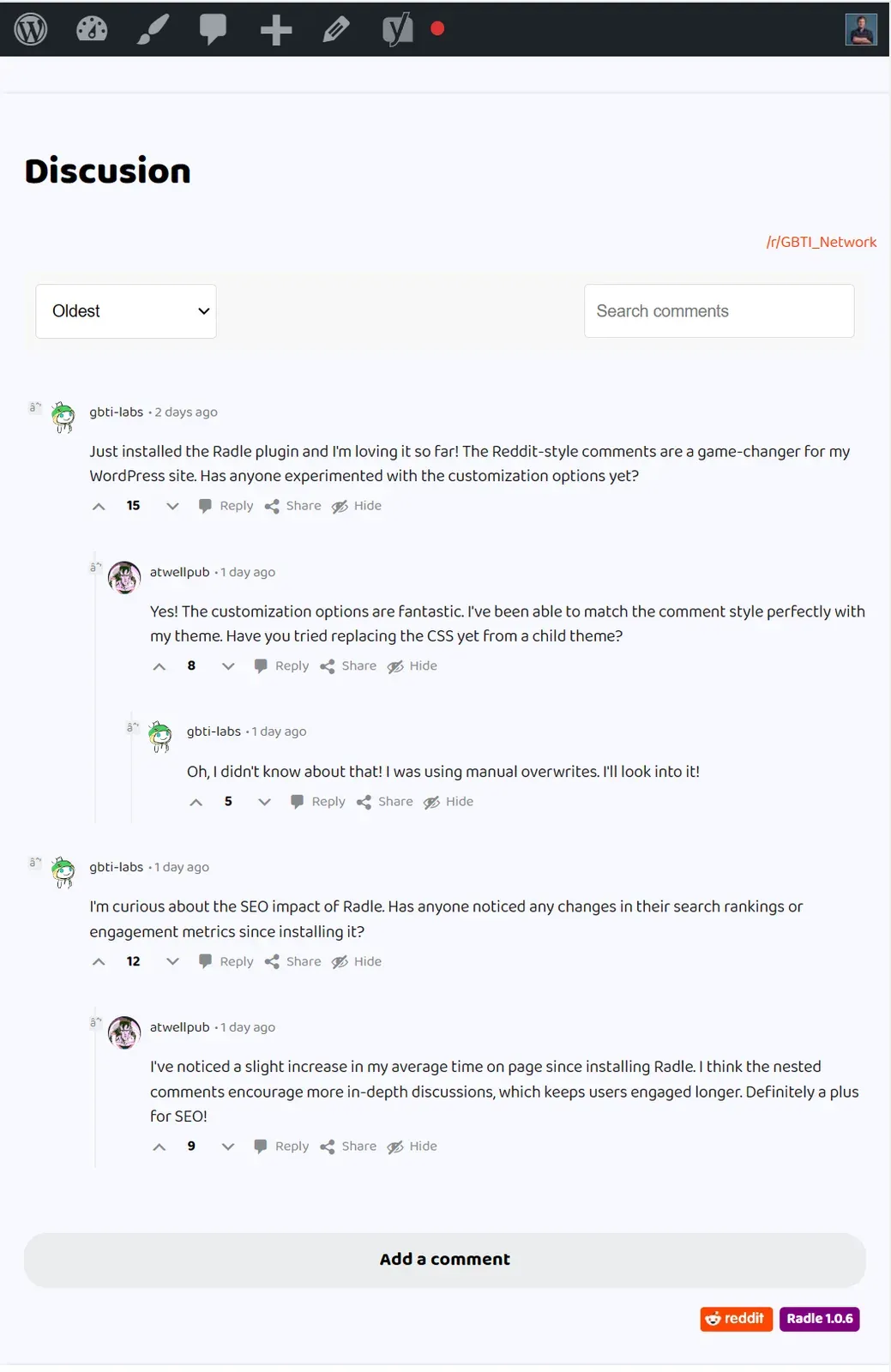
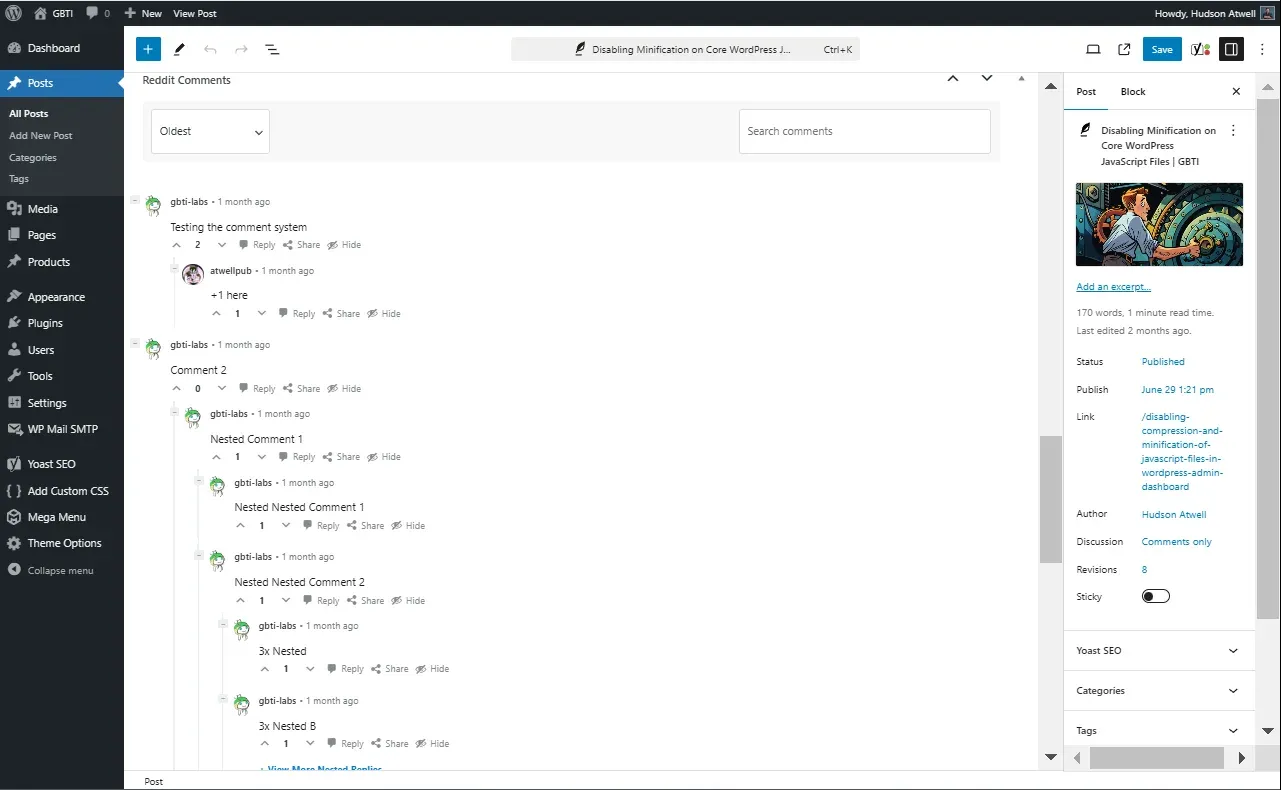
- Sync Reddit discussion with WordPress posts.
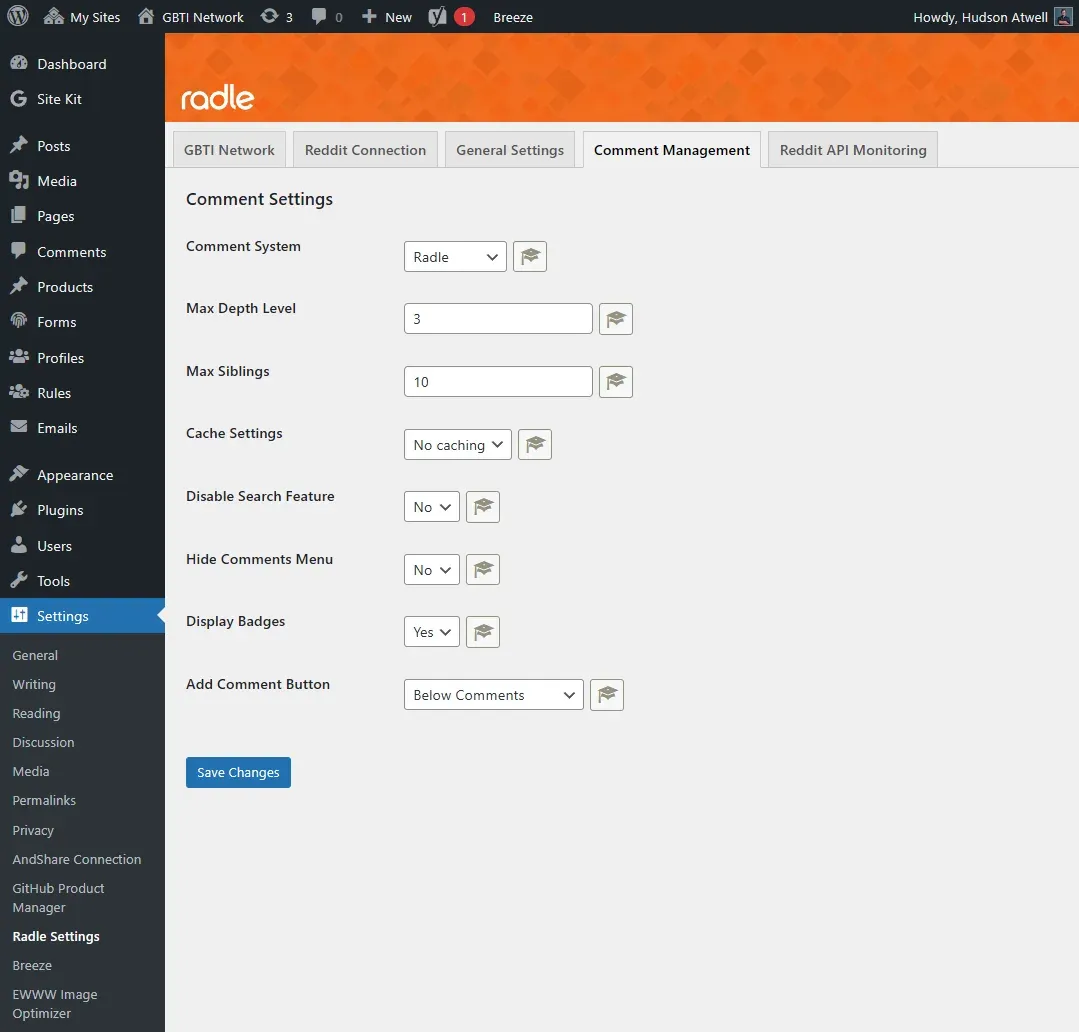
- Completely replace WordPress comments
- Search and sort Reddit comments from blog post
- Post image galleries to Reddit via the API
- Intelligent caching and rate limit monitoring
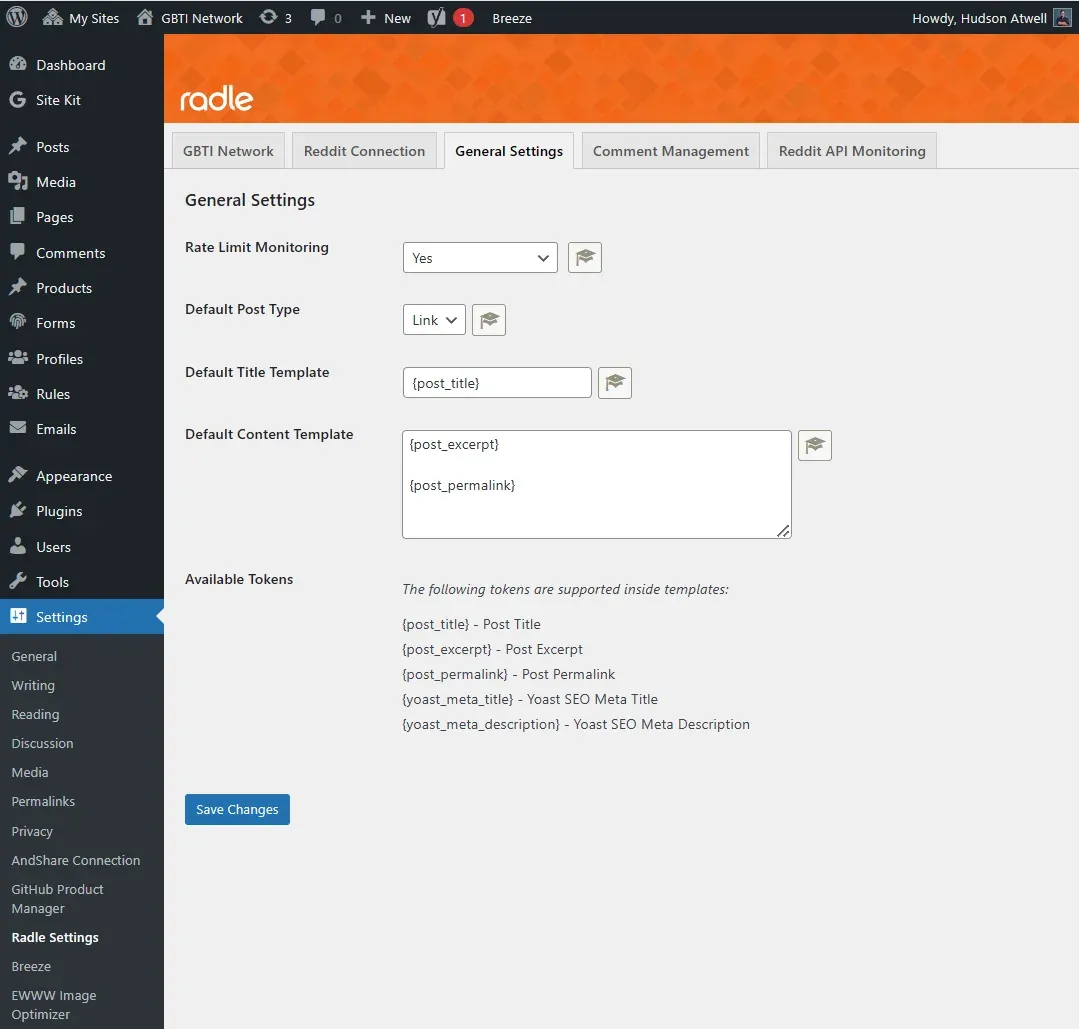
- Flexible templating for Reddit post titles and content
- Support for different posting formats to the Reddit platform
- Works with block based and non block based WordPress themes
Aspiring to be the best reddit plugin for WordPress, Radle offers granular control over publishing, commenting, and API usage, making it a powerful tool for content creators and community managers looking to leverage Reddit’s platform in tandem their WordPress site.
Please see our documentation section for additional usage and template customization techniques.
From the author
atwellpubWe built Radle to bring Reddit discussions into WordPress. If you have content on WordPress and want your readers engaging through Reddit instead of that forgotten comment section, Radle connects those two worlds. This is for anyone managing a WordPress site who sees their community already hanging out on Reddit and wants to make that the center of the conversation.
0 Comments
No comments yet. Be the first. Members comment from the GBTI local client, where comments are submitted as pull requests and auto-published for paid members.
Become a memberMembers write comments from the GBTI client or browser extension. Become a member to join the conversation.
You are signed in as a member. .