Skip to content
G GBTI
A creator co-op, powered by Git

Publish your work. Build with peers. Share the revenue.

The work you publish can earn you 30% of every member it brings in, for the life of their membership.

What network membership includes

One membership gives you a place to publish, build, and earn.

Publish articles

Share tutorials, essays, and field notes under your own name.

List your work

Promote products, plugins, tools, and creative work in the directory.

Join builders

Private Discord, weekly build sessions, and hands-on coaching.

Grow visibly

A public profile, real feedback, and proof of what you ship.

Share revenue

Earn when the work you publish brings new members in.

One membership.
Powerful community.

Start your limited-access trial

Built on Git

The entire ecosystem is powered through Git.

Every post, product, prompt, profile, and comment is a file in a public Git repository, but you never touch Git directly. All content management happens through a Chrome extension, MCP servers, or agent-ready publishing.

Three ways to manage your content

01

Chrome extension

Manage all your content right in the browser: draft, edit, and submit articles, products, and prompts. No Git knowledge required.

02

MCP servers

Connect your own tools and AI agents through Model Context Protocol endpoints to manage content programmatically.

03

Agent-ready publishing

Hand the workflow to your AI agents, and they open pull requests and publish on your behalf, end to end.

See the authoring model

Chrome extension

Open a tab. Open the co-op.

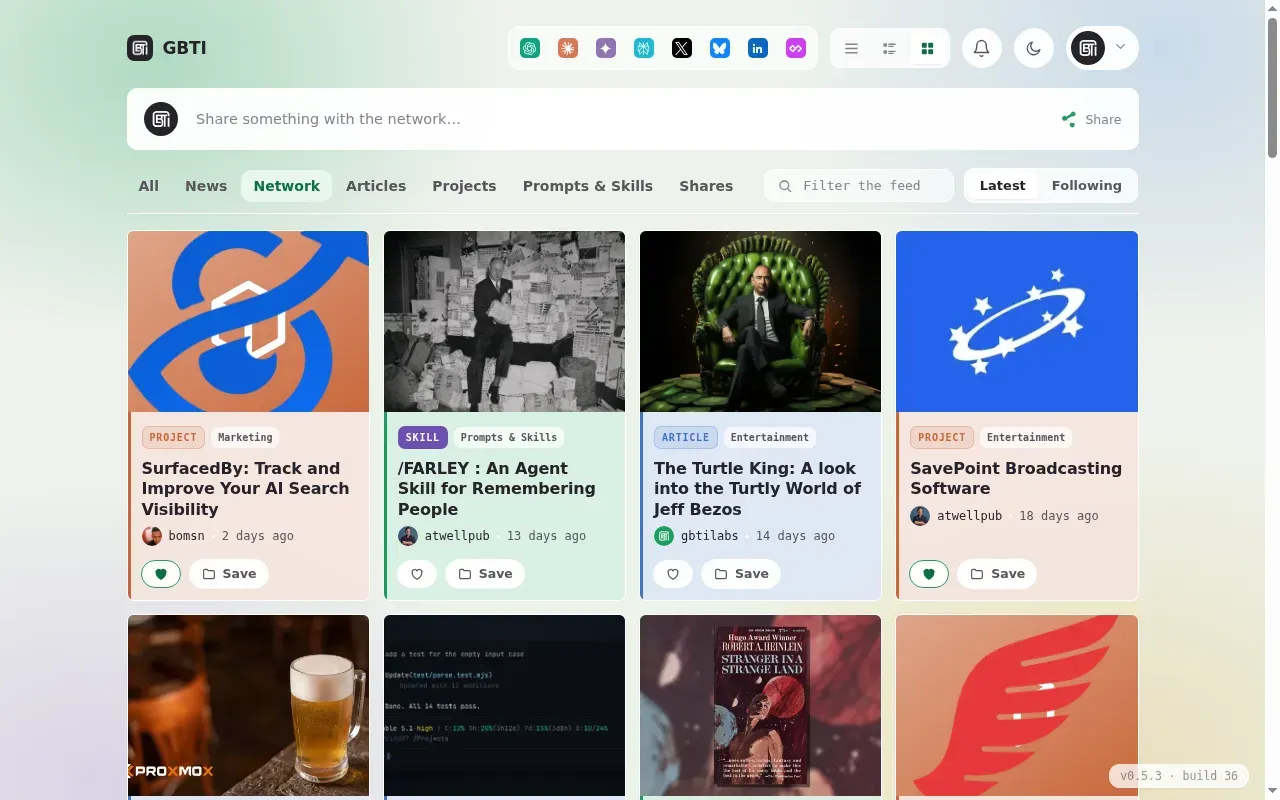
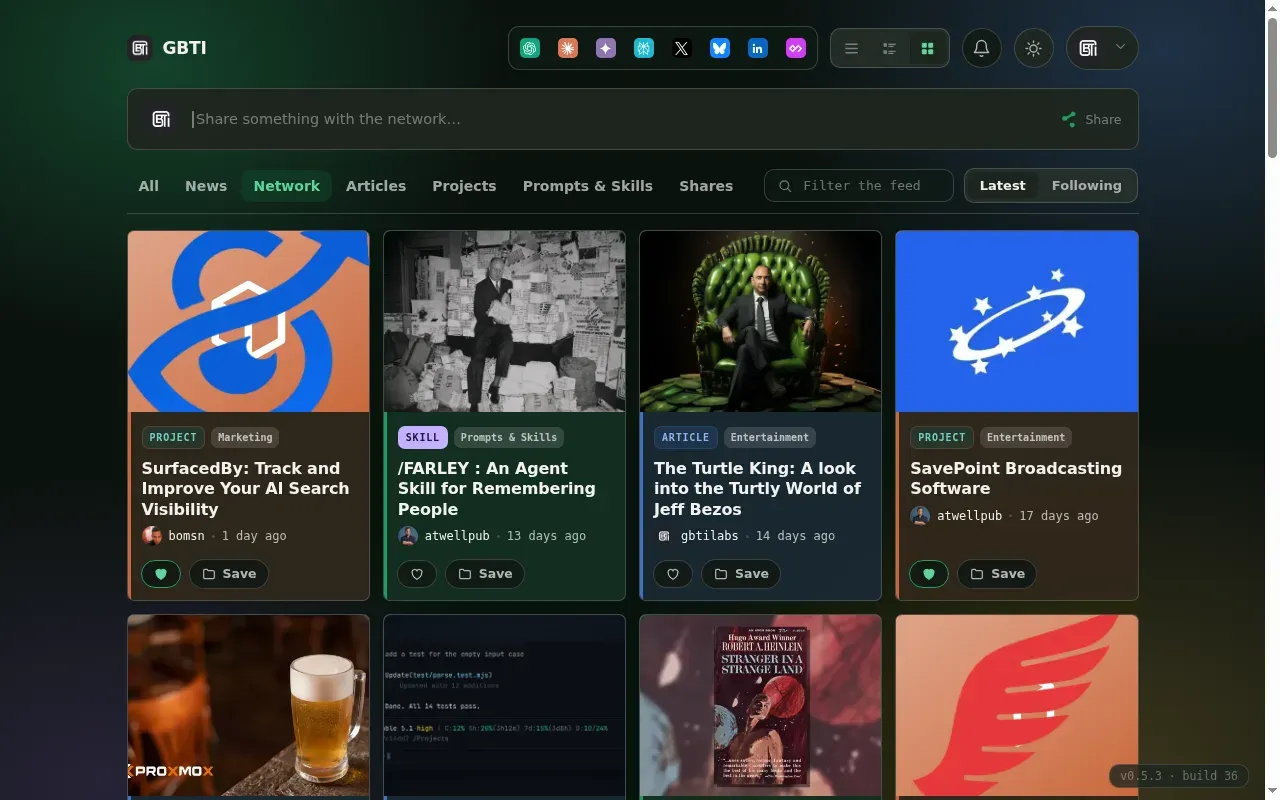
The GBTI Network extension brings the community straight into your daily browser. Optionally, it takes over your new tab page, so every time you open a tab you land on what members are shipping, writing, and discussing right now.
New-tab takeover

Replace the default new tab with your co-op home: live activity, members, and quick links.

Always optional

Toggle it on or off anytime. The extension never gets in your way.

Right where you work

Pick up drafts, open pull requests, and unread discussion the moment you open your browser.

Add the extension
New TabDocs
gbti.network
GGBTI
Thursday · 9:24

Good morning. Here is what is new in the co-op.

Articles
Products
Prompts
Shares
Latest activity
GBTI Network published “Tutorial: How to edit messages in Minecraft's Flan mod” 7mo
Hudson Atwell published “Tutorial: Image Editing with MidJourney and Nano-Banana” 8mo

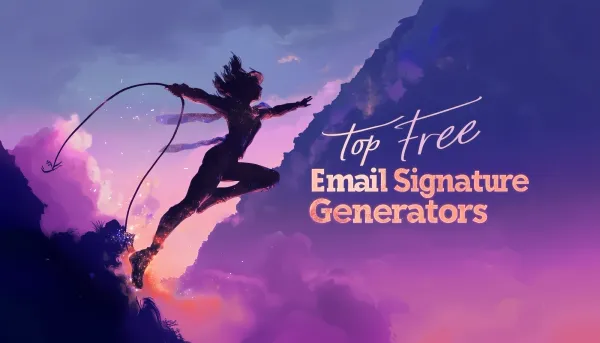
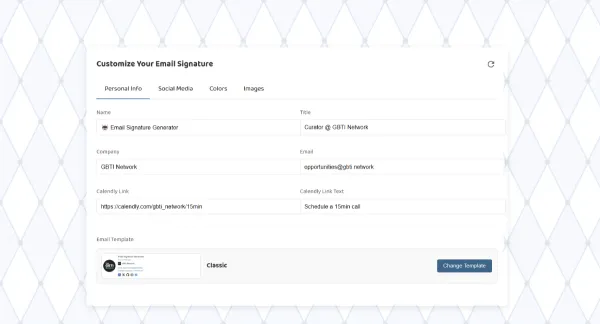
GBTI Network published “Top 10 Free Email Signature Generators in 2025” 8mo

Recent Activity

Articles, products, plugins, and prompts from across the membership.

Browse everything
Product

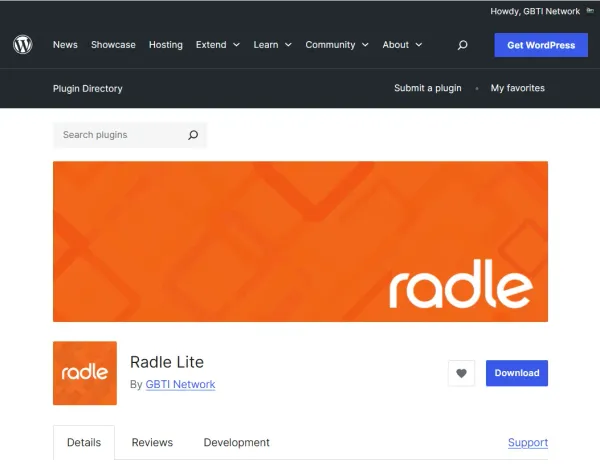
Radle: A WordPress Reddit Plugin

Radle is a free WordPress and Reddit plugin that replaces the default WordPress comments engine with a discussion powered by the Reddit API.

Product

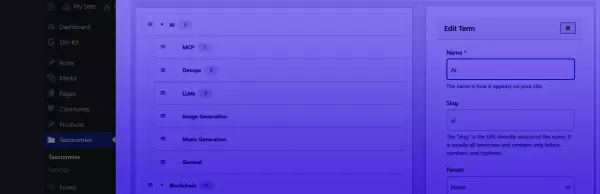
Advanced Taxonomy Manager

A free, modern, drag-and-drop interface for managing WordPress taxonomies, priority, and nesting.

AI Prompt

Generic anti-trope writing prompt

A writing persona that makes an AI write in a natural human voice by banning the patterns that read as AI-generated: negative parallelism, rhetorical questions, em-dash addiction, tricolon abuse, filler transitions, and the rest of the tells.

AI Prompt

Describe My Writing Style

Ask ChatGPT to honestly describe your writing style: the feel, the recurring habits, the strengths and the weaknesses, with short quotes of yours as evidence.

AI Prompt

Run the GBTI MCP server from the Chrome extension folder

Point Claude Code at the GBTI MCP server that ships inside the Chrome extension folder, sign in, and publish content without a separate install.

AI Prompt

Install the Playwright MCP Server into Claude Code

Wire the Playwright MCP server into Claude Code so the agent can drive Chromium, snapshot the DOM, read the console, and screenshot pages from inside a live session.

AI Prompt

Responsive Design Audit with MCP Playwright

Drive Claude Code with MCP Playwright to inspect every breakpoint and make the layout as polished on mobile as it is on desktop.

AI Prompt

Install GBTI Network Access in Claude Code

Set up GBTI Network authoring access in Claude Code, from installing the client to publishing through the gated pull-request flow.

Curated amplification

Publish once. The network amplifies it.

Rather than blast everything everywhere, we curate, putting the weight of the whole network behind member work. Some channels auto-reshare; others get hand-picked boosts where they count.

A member's work, ready to publish

You publish once

1 pull request

we curate
& boost
GitHub
auto-reshared
X
auto-reshared
Bluesky
auto-reshared
Mastodon
auto-reshared
gbti.network
auto-reshared
YouTube
curated boost
Dev.to
curated boost
Reddit
curated boost
LinkedIn
curated boost
Discord
curated boost
auto-reshared, always hand-picked, when it counts
Every landing can become a member referral which is what you earn from

Share Revenue

Your work can earn for life.

How the earning is triggered, and exactly what you keep.

Your earnings, explainedfor life
How it is triggered
01A member candidate lands on your workanywhere amplified
02They join GBTI Networkyou are the first touch
03You earn, every month they stayrecurring
Your split
Your share of their membership30%
You keep, by default100%
Shared with other members who contribute or commentoptional
To you, by default100% of 30%, for life

One membership.

Start with a 90-day limited-access trial, no card required. Publish when you become a paid member.

Public profile

Your member page, links, skills, work.

Article publishing

Publish under your own name.

Work directory

List plugins, tools, music, writing, art.

Prompt library

Share reusable AI prompts.

Private Discord

Meet and collaborate with builders.

Weekly build calls

Two-hour sessions and coaching.

Local authoring

Chrome extension, MCP, and agents.

Revenue share

Earn from members your work brings in.

Visitor
90-day limited-access trial
Paid member
Browse the public site
Discord & weekly sessions
·
trial access
full access
Author drafts (on your own fork)
·
Profile & work go public
·
on your fork
Revenue-share eligibility
·
·

Sign in with the GBTI extension

Signing in and publishing happen through the free GBTI browser extension. It keeps your GitHub sign-in on your own machine and lets you edit and publish in place.

The Chrome Web Store listing is coming soon. For now, the download page walks you through loading it as an unpacked extension.