



Traveler’s Chest
A Minecraft server mod for Fabric 1.21.1 that introduces dynamic, refillable chests for enhanced gameplay and server management.
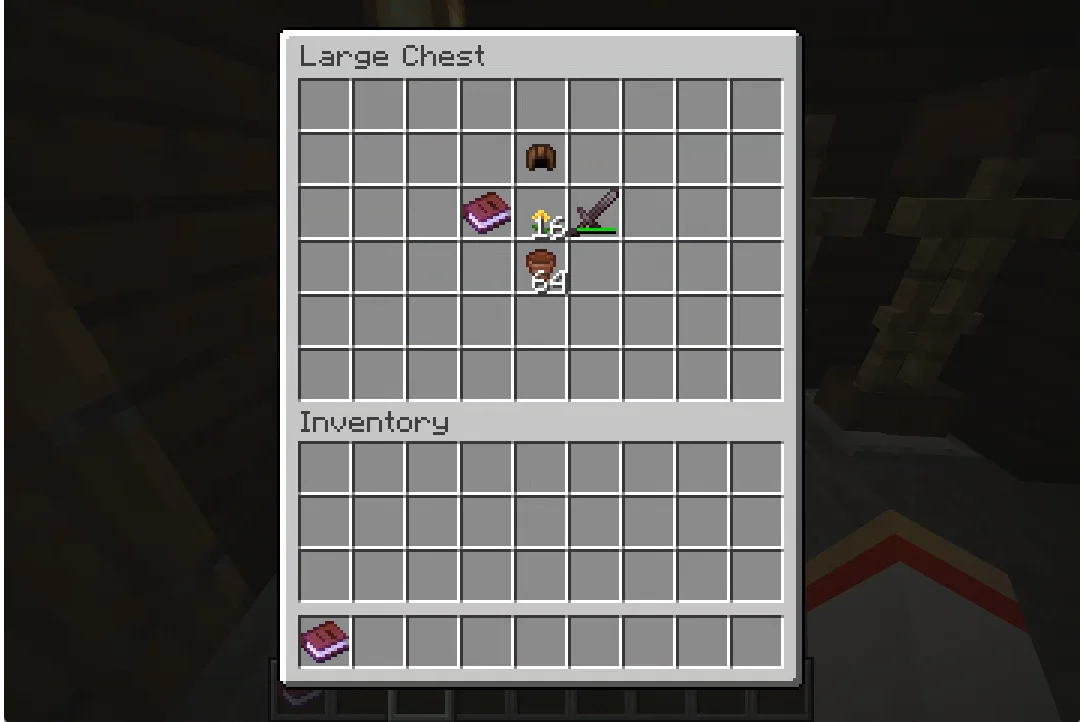
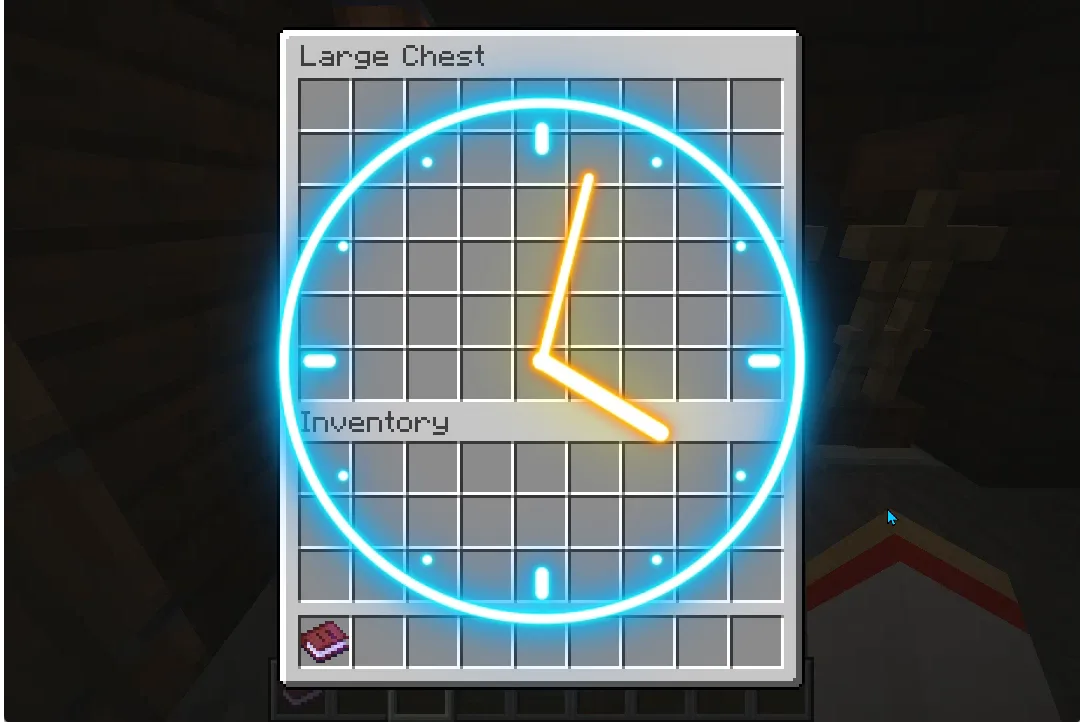
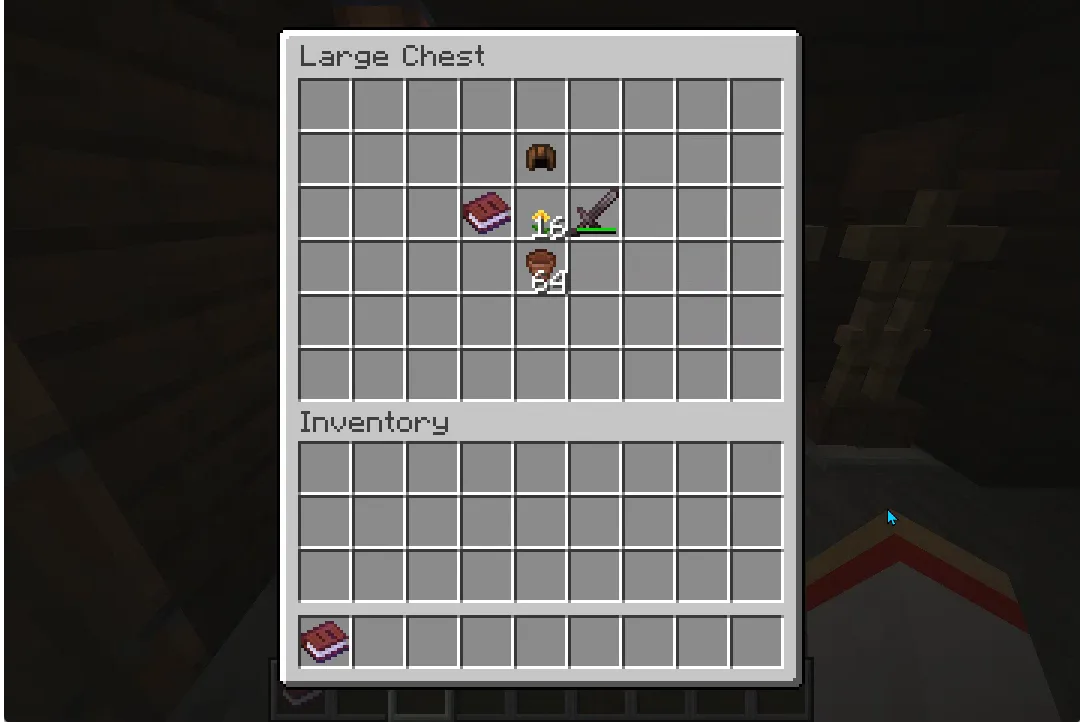
Chests are automatically replenished after a configurable cooldown period.
Key Features
- Automated Chest Refills: Create chests that automatically replenish their contents after a customizable cooldown period
- Admin Controls: Simple command system for creating, editing, and managing special chests
- Protection System: Prevents unauthorized players from breaking or modifying managed chests
- Flexible Configuration: Customize cooldown times and contents for each chest individually
- Double Chest Support: Seamlessly works with both single and double chest configurations
Technical Details
- Built for Fabric Loader (>=0.16.5)
- Requires Minecraft 1.21.1
- Java 21 compatibility
- Server-side mod
- Includes comprehensive configuration system
- Debug logging capabilities for troubleshooting
Perfect For
- Server administrators looking to create dynamic loot systems
- Adventure maps requiring automated resource distribution
- RPG-style servers needing controlled item dispensing
- Community servers wanting to maintain balanced resource availability
Installation Requirements
- Fabric Loader
- Fabric API
- Minecraft Server 1.21.1
- Java 21 or higher
Commands
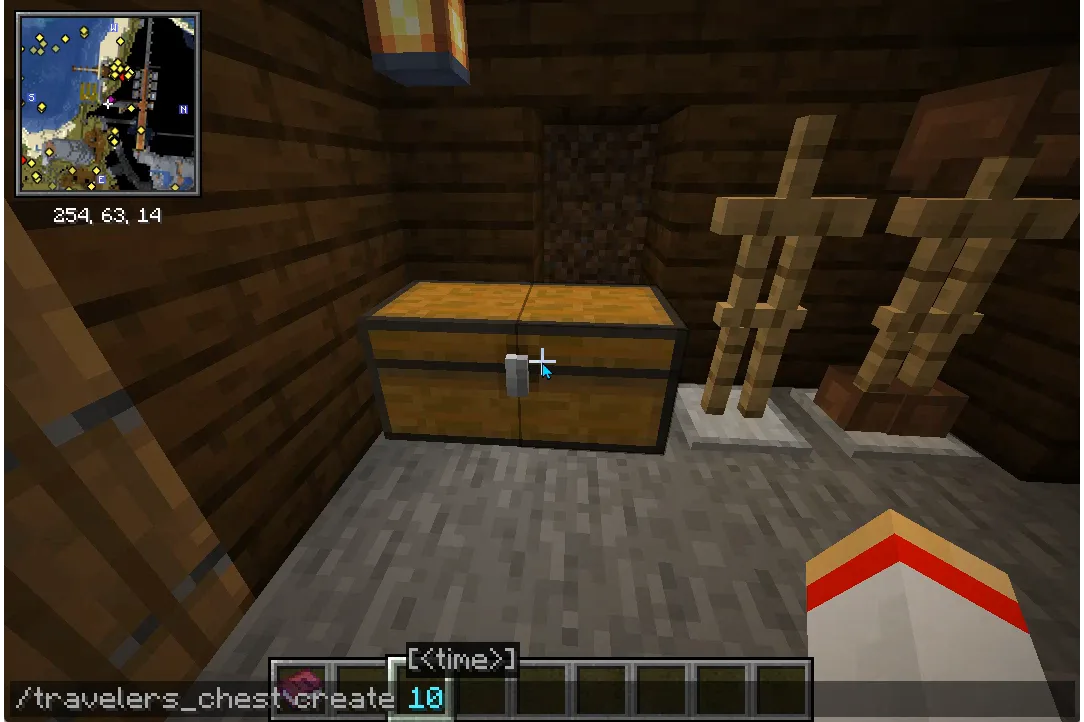
/travelers_chest create [cooldown_in_seconds]  # Create a new chest
/travelers_chest edit [new_cooldown_in_seconds]  # Modify existing chest
/travelers_chest destroy  # Remove a chest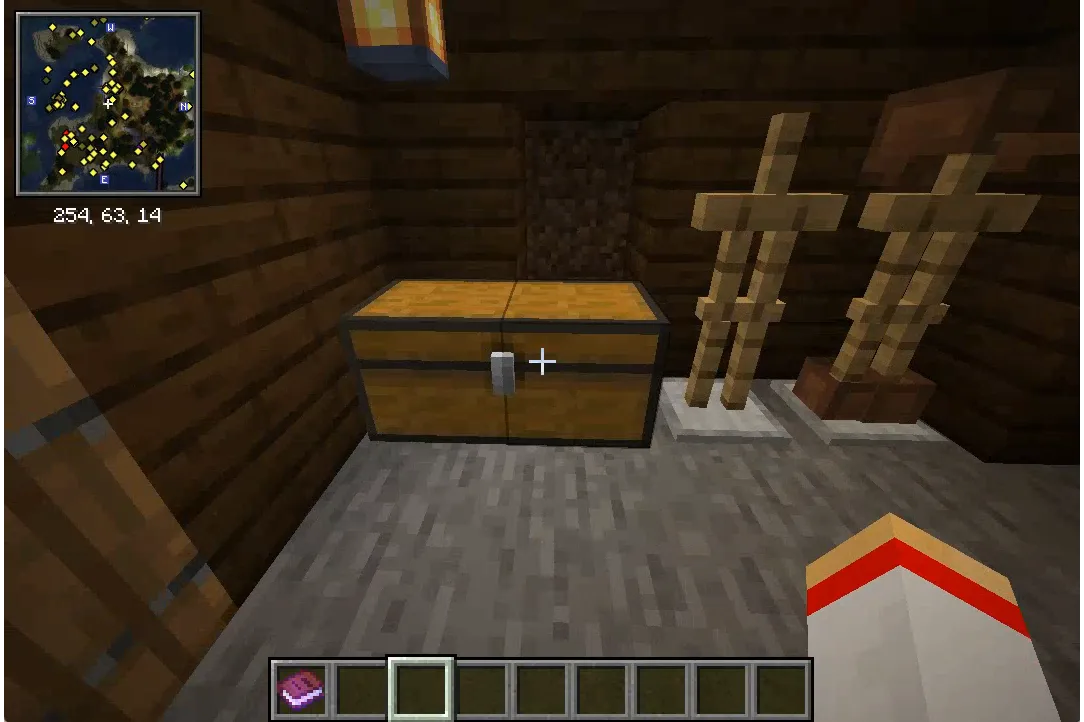
From the author
atwellpubWe built Travelers Chest to solve a problem we saw on Minecraft servers: how do you maintain balanced loot distribution without constant admin work? This mod creates chests that automatically refill on a schedule you set, giving server admins the tools to build adventure maps, RPG worlds, and resource hubs that feel alive and dynamic. Whether you are running a community server or designing adventure content, this is for anyone who wants refillable chests without the manual labor.
0 Comments
No comments yet. Be the first. Members comment from the GBTI local client, where comments are submitted as pull requests and auto-published for paid members.
Become a memberMembers write comments from the GBTI client or browser extension. Become a member to join the conversation.
You are signed in as a member. .